
How Much Speed Loss Is Normal When Using a VPN?
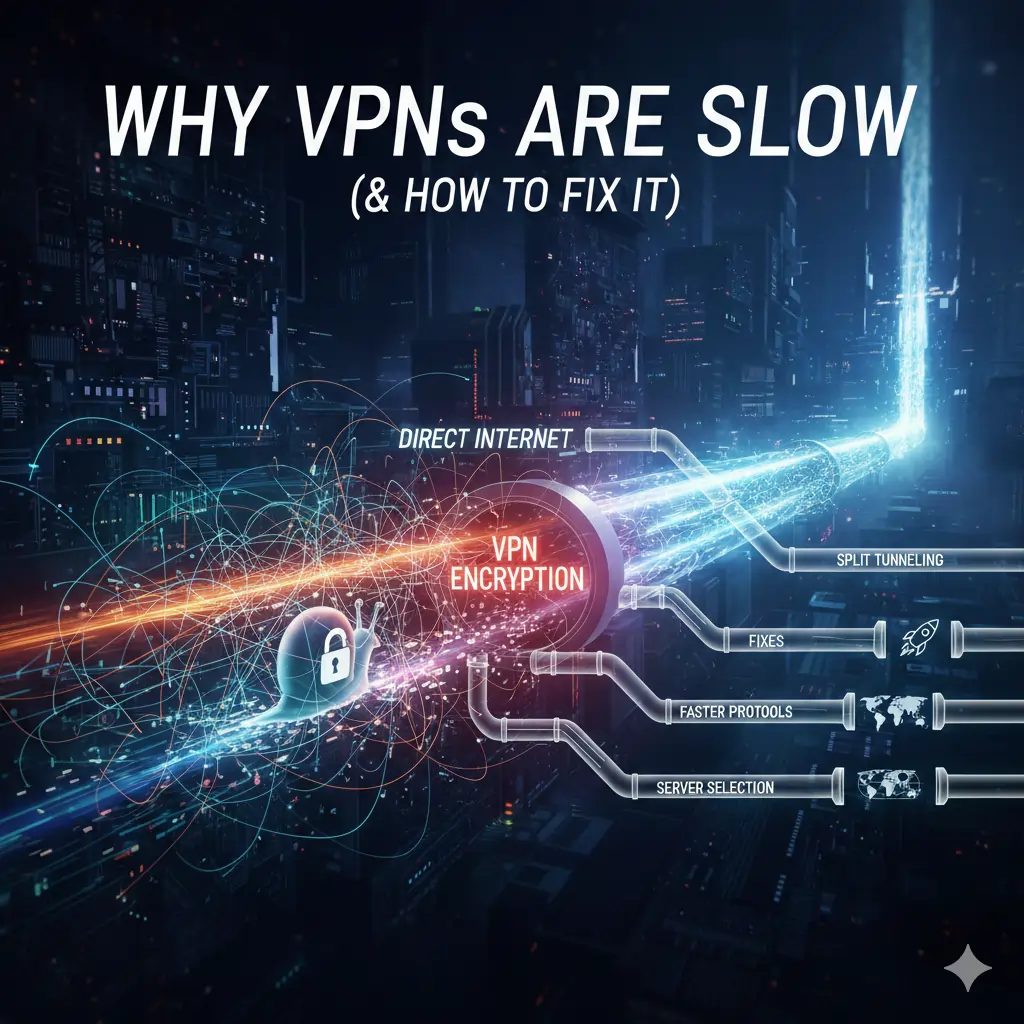
Some level of speed reduction is unavoidable when using a VPN. Encrypting traffic and routing it through a remote server adds overhead that does not exist on a direct internet connection. However, severe slowdowns are not normal and usually indicate a specific problem.
With a well-optimised VPN and a stable internet connection, speed loss should remain within a predictable range depending on how and where the VPN is used.
| Connection Scenario | Typical Speed Loss | Is This Normal? |
|---|---|---|
| Nearby server (same country) | 5–15% | Yes |
| Regional server (same continent) | 10–25% | Yes |
| Long-distance server | 25–40% | Usually |
| Mobile network (4G / 5G) | 15–35% | Yes |
| Speed loss above 50% | 50%+ | No – indicates a problem |
If your VPN is reducing speeds by more than half on nearby servers, the issue is almost always related to server selection, protocol choice, network setup, or the VPN provider’s infrastructure.
The Main Reasons VPNs Are Slow
When a VPN causes noticeable slowdowns, the problem usually falls into one of three categories: the VPN service itself, the user’s local setup, or external network limitations. Identifying which category applies is the key to fixing the issue efficiently.
VPN-Side Causes
Some speed issues originate from the VPN provider’s infrastructure and how it handles traffic. These are often outside the user’s direct control.
- Server distance: The farther your data must travel to reach the VPN server, the higher the latency and potential speed loss.
- Server congestion: Overloaded servers divide available bandwidth among too many users, reducing performance.
- Routing efficiency: Poor internal routing can introduce unnecessary hops between servers, slowing connections.
- Protocol implementation: Older or inefficient protocols increase encryption overhead and reduce throughput.
User-Side Causes
Local network conditions and device limitations frequently contribute to slow VPN speeds, even when the VPN service itself is capable of high performance.
- Wi-Fi quality: Weak or congested wireless signals reduce available bandwidth before the VPN is even applied.
- Hardware limitations: Older devices or routers may struggle to handle encryption efficiently.
- Background applications: Downloads, cloud sync, or streaming running in the background consume bandwidth.
External Network Factors
Some speed issues are caused by factors outside both the VPN provider’s and the user’s control.
- ISP throttling: Some internet providers selectively slow certain types of traffic.
- Baseline internet speed: A VPN cannot exceed the speed of the underlying connection.
- Network congestion: Peak usage hours can reduce speeds across entire regions.
Quick Diagnostic Table
| Symptom | Most Likely Cause | Fixable? |
|---|---|---|
| Slow speeds only on distant servers | Server distance / routing | Partially |
| Sudden slowdowns at certain times | Server congestion or ISP throttling | Often |
| Slow speeds on all servers | Protocol or device limitation | Yes |
| VPN slow but internet fast without it | VPN configuration or provider | Yes |
Once the likely cause is identified, speed issues can usually be resolved with targeted adjustments rather than switching VPN services immediately.
How to Fix a Slow VPN (Step-by-Step)
In most cases, slow VPN speeds can be fixed without changing providers. The steps below address the most common causes of VPN performance issues, starting with the simplest adjustments and progressing to more advanced fixes.
1. Connect to a Nearby VPN Server
Distance is one of the biggest contributors to VPN slowdowns. The farther your data has to travel to reach the VPN server, the higher the latency and the greater the potential speed loss.
If you do not specifically need an IP address from another country, always connect to the closest available server. This alone often restores most of the lost speed.
2. Change the VPN Protocol
VPN protocols handle encryption and data transport differently. Modern protocols are significantly faster than older ones.
- Use WireGuard or IKEv2 if available
- Avoid OpenVPN TCP unless stability is more important than speed
- Use OpenVPN UDP instead of TCP when possible
Switching protocols is one of the fastest ways to improve VPN performance and usually takes less than a minute.
3. Switch to a Less Crowded Server
Even high-quality VPNs can experience temporary congestion. If your VPN app shows server load or latency, select a server with lower usage.
If load indicators are not available, manually testing a few nearby servers often reveals one with noticeably better performance.
4. Use Split Tunnelling Where Appropriate
Split tunnelling allows you to route only specific apps or traffic through the VPN while letting other traffic use your regular internet connection.
This reduces the amount of data being encrypted and processed, which can significantly improve speeds for tasks such as streaming or gaming.
5. Check Your Local Network
A VPN cannot compensate for a poor local connection. Weak Wi-Fi signals, overloaded routers, or background downloads can all reduce available bandwidth before the VPN is even applied.
- Switch from Wi-Fi to a wired Ethernet connection if possible
- Close unnecessary background applications
- Restart your router to clear congestion
6. Disable Unnecessary VPN Features
Advanced security features add extra processing overhead. While useful in specific situations, they are not always necessary.
- Disable double VPN or multi-hop connections
- Turn off traffic obfuscation unless required
- Avoid always-on filtering features if speed is the priority
7. Test for ISP Throttling
If speeds improve when the VPN is enabled for certain activities, your ISP may be throttling specific types of traffic. In these cases, keeping the VPN enabled on a nearby server can actually result in more consistent performance.
When a VPN Is Still Slow After Fixes
If you have tried changing servers, switching protocols, optimising your local network, and disabling unnecessary features, yet your VPN remains slow, the limitation is often the VPN service itself.
At this point, continuing to tweak settings is unlikely to produce meaningful improvements. Instead, it is more effective to evaluate whether the VPN’s infrastructure is capable of handling your usage requirements.
Common Signs Your VPN Is the Bottleneck
- Speed loss above 50% on nearby servers
- Consistently high latency regardless of server choice
- Large performance drops during peak hours
- Slow speeds across multiple devices and networks
- No noticeable improvement after protocol changes
Decision Table: Fix or Switch?
| Issue Observed | Fix Attempted | Result | Action |
|---|---|---|---|
| Slow speeds on distant servers | Changed to nearby servers | Partial improvement | Keep VPN |
| Slow speeds on all servers | Changed protocol & network | No improvement | Switch VPN |
| Speed drops at peak times | Tested multiple servers | Unstable performance | Switch VPN |
| Mobile VPN always slow | Changed networks & protocols | Minimal improvement | Switch VPN |
When switching VPNs becomes the logical next step, the focus should be on providers with efficient protocols, large server networks, and a track record of stable performance under load.

VPNs That Handle Slow Connections Better
If a VPN remains slow after applying all optimisation steps, the underlying
infrastructure is usually the limiting factor. The services below are known
for maintaining more consistent performance under load, using efficient
protocols and high-capacity server networks.
| VPN Provider | Speed Handling | Infrastructure Strength | Best For Fixing | Starting Price | Review | |
|---|---|---|---|---|---|---|
| NordVPN | Excellent | Large global network, modern routing | Consistent slow speeds | From $3.39 / month | Read review | Visit |
| Surfshark | Very Good | Well-distributed servers, efficient protocols | Streaming slowdowns | From $2.19 / month | Read review | Visit |
| IPVanish | Very Good | Strong local and mobile routing | Mobile VPN slowness | From $2.19 / month | Read review | Visit |
| ExpressVPN | Excellent | Optimised international routing | Long-distance connections | From $4.99 / month | Read review | Visit |
Prices reflect typical long-term plans and may vary by region or promotion.
For a pure speed ranking, see our
Fastest VPNs
comparison.
For technical background on how latency and routing affect performance, see
network analysis resources from
Cloudflare
and independent speed testing platforms such as
Speedtest by Ookla.

Why VPNs Are Slow: Frequently Asked Questions
Why does my VPN slow down my internet?
A VPN slows down your internet because it encrypts your data and routes it through a remote server. This adds processing overhead and increases the distance data must travel, which can raise latency and reduce speeds.
Is it normal for a VPN to reduce speed?
Yes. A speed reduction of 5–25% is normal with a quality VPN, depending on server distance and protocol. Speed losses above 50% usually indicate a configuration issue or an overloaded VPN service.
Which VPN protocol is fastest?
WireGuard is generally the fastest VPN protocol, followed by IKEv2. OpenVPN UDP can also perform well, but OpenVPN TCP is typically slower due to higher overhead.
Can a VPN ever make my internet faster?
In rare cases, yes. If your ISP throttles certain types of traffic, a VPN can prevent this by encrypting your activity. However, a VPN cannot exceed your baseline internet speed.
Why is my VPN slower on Wi-Fi than Ethernet?
Wi-Fi connections are more susceptible to interference, congestion, and signal loss. Using a wired Ethernet connection often provides more stable and faster VPN performance.
Why is my VPN slow only at certain times?
This is usually caused by server congestion or general network congestion during peak hours. Switching servers or connecting at off-peak times can help.
Should I switch VPNs if speeds stay slow?
If speed remains poor after changing servers, protocols, and network settings, the VPN’s infrastructure may be the limitation. In that case, switching to a better-optimised service is often the most effective solution.
Final Thoughts: Fixing VPN Speed Issues the Right Way
VPN speed issues are rarely caused by a single factor. In most cases, slow performance is the result of server distance, protocol choice, network congestion, or local device limitations rather than the VPN itself.
Before switching providers, it is always worth testing nearby servers, changing protocols, and optimising your local network. These steps resolve the majority of VPN speed problems without compromising privacy or security.
When performance remains poor after optimisation, the limitation is usually the VPN’s infrastructure. In those situations, moving to a service that handles routing, encryption, and server load more efficiently can make a significant difference.
A fast VPN should balance speed with security — not sacrifice one for the other. Modern VPNs using efficient protocols and well-distributed server networks are capable of delivering strong performance without excessive slowdowns.
Related VPN Guides
Recommended VPN Performance & Speed Resources
If you are troubleshooting VPN speed issues, comparing providers, or deciding whether a performance drop is caused by infrastructure, protocols, or congestion, the resources below provide deeper testing, direct comparisons, and real-world performance analysis.
| Category | Guide | What It Covers |
|---|---|---|
| Provider Reviews | NordVPN Review (2026) | Protocol efficiency, server load behaviour, peak-hour speed consistency, and long-distance routing performance |
| Provider Reviews | Surfshark VPN Review | WireGuard performance, streaming speed reliability, and congestion handling on shared servers |
| Provider Reviews | IPVanish Review (2026) | Mobile network performance, upload speed stability, and local routing efficiency |
| Provider Reviews | ExpressVPN Review (2026) | Latency stability, Lightway protocol behaviour, and long-distance speed retention |
| VPN Comparisons | NordVPN vs Surfshark | Side-by-side speed tests, protocol efficiency differences, and congestion performance under load |
| VPN Comparisons | NordVPN vs ExpressVPN | Latency comparison, international routing behaviour, and sustained speed testing |
| Performance Analysis | Fastest VPNs in 2026 | Measured speed benchmarks, protocol impact on throughput, and server performance consistency |
| Protocol Technology | WireGuard vs OpenVPN vs IKEv2 | How protocol selection affects speed, latency, and connection stability |
| Trust & Reliability | VPNs to Avoid (2026) | Providers with poor infrastructure, chronic congestion, or unreliable performance |