
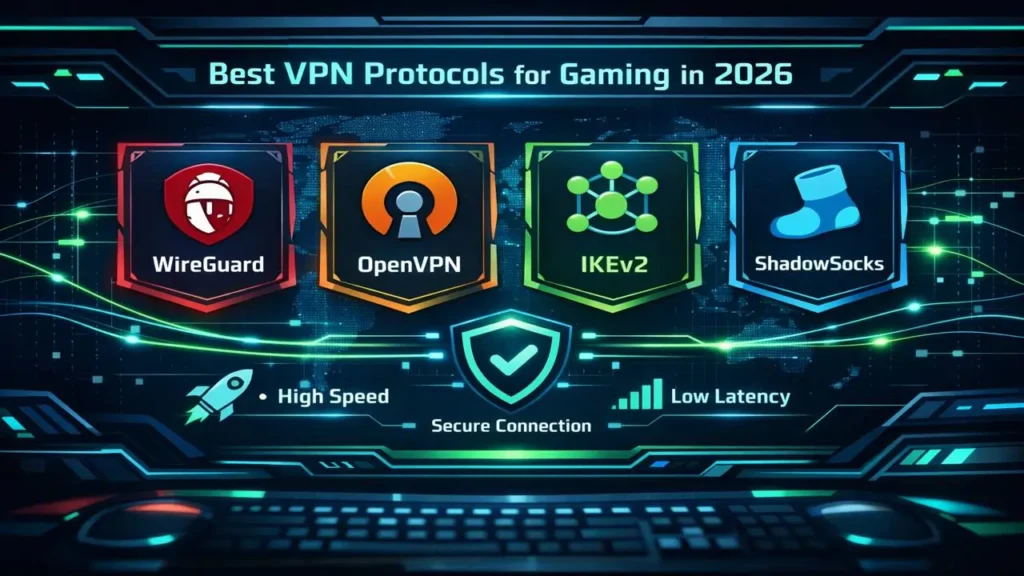
Choosing the best VPN for gaming is only half the equation. The protocol your VPN uses often has a greater impact on ping, jitter, and connection stability than the provider itself. Yet most gaming VPN guides treat protocols as a footnote rather than the core performance factor they actually are.
In 2026, modern VPN protocols behave very differently under real gaming conditions. Some are optimised for low-latency UDP traffic, while others introduce packet delays, retransmissions, or encryption overhead that directly harm gameplay — especially in competitive and FPS titles.
This guide focuses exclusively on VPN protocols for gaming. It explains how different protocols handle latency-sensitive traffic, why certain protocols outperform others in real-world gaming scenarios, and which VPNs implement them correctly.
Rather than repeating generic protocol definitions, this page evaluates protocols based on how they perform during live gameplay across PC, console, and router-based setups. For broader VPN recommendations, see our best VPN for gaming guide. This page exists to answer the deeper technical question that guide depends on.
Why VPN Protocols Matter More Than Speed for Gaming
When gamers talk about VPN performance, the conversation usually starts and ends with speed. Download speed looks impressive on paper, but it rarely reflects how a VPN behaves during an actual match. For gaming, especially competitive and FPS titles, what matters far more is how consistently data packets move between you and the game server.
This is where VPN protocols come in. The protocol controls how your data is encrypted, how packets are sent, and how errors are handled in real time. A poorly suited protocol can introduce jitter, micro-stutters, or sudden latency spikes even on a fast internet connection. A well-designed protocol keeps packet timing predictable, which is what makes gameplay feel smooth.
In practical terms, a gaming VPN protocol needs to do three things well. It must send packets quickly, avoid unnecessary retransmissions, and handle short bursts of traffic without choking. Protocols that were designed years ago for general security or corporate use often struggle with these demands.
This is why two VPNs using the same servers can feel completely different in-game. One may feel responsive and stable, while the other feels slightly delayed or inconsistent. The difference is often not the VPN provider itself, but the protocol handling the traffic.
If you are choosing a VPN specifically for gaming, understanding which VPN protocols are best for gaming is essential. It explains why modern options like WireGuard-based protocols dominate low-ping performance, and why older protocols continue to fall behind despite still being widely advertised.
For broader performance comparisons across providers, see our fastest VPNs analysis. This guide focuses on the layer underneath those results — the protocol choices that make them possible.
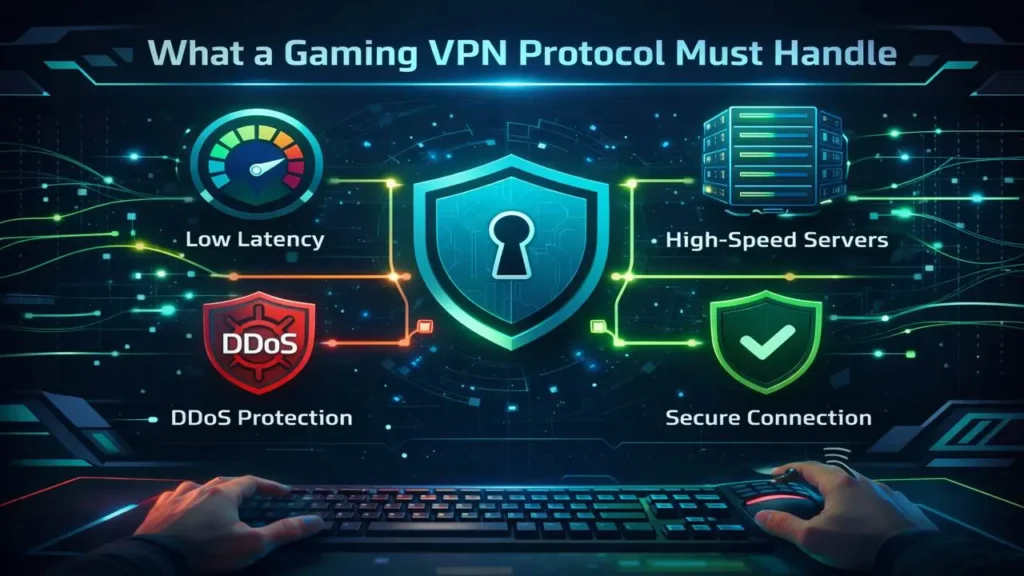

What a Gaming VPN Protocol Must Handle
A VPN protocol built for gaming is not judged by how fast it can download a large file.
It is judged by how it behaves when small packets are sent constantly, in both
directions, with no room for delay or correction. This is why gaming exposes weaknesses
in VPN protocols that never appear in standard speed tests.
For online games, especially FPS titles, three performance factors matter more than
anything else: ping, jitter, and packet timing. If a protocol struggles with any of
these, gameplay suffers immediately.
Ping: The Baseline Delay
Ping measures how long it takes for data to travel from your device to the game server
and back. Every VPN adds some overhead, but the best VPN protocols for gaming add as
little as possible. Modern protocols based on WireGuard typically increase ping by only
a few milliseconds, which is barely noticeable during play.
Protocols that rely on heavier encryption layers or inefficient handshakes often add
unnecessary delay. This is one reason older protocols continue to feel slower in-game,
even when advertised speeds look competitive. You can see how this plays out across
providers in our
best gaming VPN for low ping
testing.
Jitter: The Real Enemy of Competitive Play
Jitter refers to how much your ping fluctuates from moment to moment. Small, frequent
variations are far more damaging than a slightly higher but stable ping. This is what
causes missed hit registration, delayed actions, or the feeling that the game is not
responding consistently.
Protocols that aggressively retransmit packets or switch paths mid-session tend to
produce higher jitter. This is especially noticeable in ranked or competitive matches,
where even minor instability becomes obvious. Our analysis of
VPNs for FPS games
shows how protocol choice directly affects jitter under load.
Packet Timing and Delivery
Online games send a constant stream of small UDP packets. A gaming-friendly VPN
protocol must deliver these packets in order and on time, without buffering or delay.
Protocols that were designed for reliability over speed often interfere with this
process, creating micro-stutters or sudden spikes.
This is also why some VPNs feel acceptable in short sessions but degrade during longer
play. As packet queues build up or error correction kicks in, timing becomes less
predictable. If you have ever experienced sudden lag after 20 or 30 minutes of play,
protocol behaviour is often the cause.
Understanding how protocols manage packet flow explains why some VPNs perform well on
paper but fail in real gameplay. It also sets the foundation for choosing the right
protocol based on your platform, whether that is PC, console, or a router-based setup.
If you are troubleshooting inconsistent performance, our
VPN troubleshooting guide
breaks down how to diagnose protocol-related issues step by step.

WireGuard, NordLynx & Lightway: Why Modern Protocols Dominate Gaming
Modern online games are far more sensitive to timing than bandwidth. What separates a smooth match from a frustrating one is not headline speed, but how consistently your connection delivers packets under pressure. This is exactly where modern VPN protocols pull ahead.
WireGuard and its custom implementations were designed with efficiency first. They use leaner codebases, faster cryptographic handshakes, and fewer moving parts than legacy VPN protocols. The result is lower processing overhead, reduced jitter, and more predictable latency during live gameplay.
WireGuard: The Baseline for Low-Latency Gaming
- Extremely lightweight protocol with minimal encryption overhead
- Consistent packet timing, even during long sessions
- Ideal for competitive FPS and ranked multiplayer
In real gaming scenarios, WireGuard typically adds only a few milliseconds of latency. That difference is small on paper, but noticeable in fast-paced shooters where reaction timing matters. This is why WireGuard-based VPNs dominate our fastest VPNs testing for gaming.
NordLynx: WireGuard, Refined for Stability
- Built on WireGuard with added privacy layers
- Excellent jitter control under sustained load
- Strong performance for ranked and tournament play
NordLynx keeps WireGuard’s speed advantages while addressing its original privacy limitations. In practice, this makes it one of the most stable options for competitive gaming, which is why it features prominently in our best VPN for gaming analysis.
Lightway: Optimised for Long-Distance Matches
- Fast connection setup and reconnection
- More predictable routing across regions
- Well suited to console and cross-region gaming
Lightway shines when distance becomes a factor. While its raw latency may sit slightly above NordLynx on local servers, it often delivers smoother performance when connecting to overseas game servers. This makes it a strong choice for players who regularly join international lobbies or play while travelling.
If you want a deeper technical comparison between these protocols, our WireGuard vs NordLynx vs Lightway speed tests break down their behaviour under real-world load.
Why OpenVPN and IKEv2 Struggle With Modern Gaming
OpenVPN and IKEv2 are still widely used, but neither was designed with modern, latency-sensitive gaming in mind. They prioritise reliability and compatibility over real-time responsiveness, which creates subtle problems that become obvious during competitive play.
OpenVPN: Secure, Reliable — and Too Heavy
- High encryption overhead increases packet processing time
- More prone to jitter during sustained gaming sessions
- Micro-stutters can occur even when ping looks acceptable
OpenVPN excels at secure browsing and long-lived connections, but it struggles with the rapid, continuous packet flow used by FPS games. This is one of the most common reasons gamers experience inconsistent performance when using older VPN configurations, a topic we explore further in why VPNs are slow .
IKEv2: Fast to Reconnect, Inconsistent Under Load
- Excellent at reconnecting when networks change
- Latency fluctuates more under sustained traffic
- Performance depends heavily on ISP routing quality
IKEv2 is popular on mobile devices because of its fast reconnection behaviour. However, in gaming scenarios that require stable packet timing over long sessions, it often introduces small but frequent latency variations that affect responsiveness.
Why This Matters for FPS Players
In fast-paced shooters, consistency is more important than raw speed. A protocol that adds just a few extra milliseconds inconsistently is far more damaging than one that adds slightly more latency but keeps it stable.
This is why modern protocols dominate competitive gaming setups and why most providers now recommend WireGuard-based options by default, as outlined in our WireGuard vs OpenVPN vs IKEv2 comparison .

Gaming Use-Cases Mapped to VPN Protocols
There is no single “best” VPN protocol for every gaming scenario. The right choice depends on how latency-sensitive the game is, how long sessions last, and whether routing distance is involved.
| Gaming Scenario | Recommended Protocol | Why It Fits | Protocols to Avoid |
|---|---|---|---|
| Competitive FPS (Valorant, CS2, Warzone) | WireGuard-based | Lowest jitter and most stable packet timing | OpenVPN, TCP modes |
| Cross-Region Multiplayer | Lightway | More predictable long-distance routing | IKEv2 |
| Console Gaming via Router | WireGuard / Lightway | Handles sustained traffic without NAT instability | Legacy protocols |
| Mobile Gaming | WireGuard | Fast handshakes and low battery overhead | OpenVPN |
| Unstable ISP Routing | WireGuard-based | Consistent packet delivery under congestion | IKEv2 |
If you are experiencing inconsistent latency despite good baseline speeds, it is often a protocol mismatch rather than a server issue. This is a common theme in our VPN performance troubleshooting guide.


Protocol Selection for FPS, Console & Mobile Gaming
Different gaming platforms place different demands on a VPN connection. A protocol that works well for PC-based FPS games may behave very differently on a console or mobile device. Choosing the right protocol for your platform is just as important as choosing the right server location.
FPS and Competitive PC Gaming
For fast-paced shooters, packet timing consistency is critical. Even small variations in latency are immediately noticeable as delayed hit registration or uneven movement.
- Use WireGuard-based protocols for the lowest jitter
- Avoid TCP-based modes entirely
- Prioritise stability over marginal ping reductions
This is why modern FPS-focused guides, such as our best VPN for FPS games analysis, consistently favour WireGuard-style protocols.
Console Gaming (PlayStation & Xbox)
Consoles do not support VPN apps natively, which means the protocol runs at the router level. This introduces additional considerations around sustained traffic and NAT behaviour.
- Choose protocols that remain stable under constant load
- WireGuard and Lightway handle router deployments best
- Avoid older protocols that increase CPU usage on routers
If you game primarily on consoles, protocol choice is closely tied to router capability. Our console gaming VPN guide explains how protocol efficiency affects router performance.
Mobile Gaming
Mobile networks introduce variable signal strength and frequent handovers. A gaming VPN protocol must reconnect quickly without destabilising latency.
- WireGuard offers fast handshakes and low battery drain
- IKEv2 reconnects quickly but may fluctuate under load
- OpenVPN often consumes more battery and adds delay
For mobile gamers, consistency and efficiency matter more than encryption complexity, which is why lightweight protocols dominate mobile gaming setups.
Common Gaming Problems Caused by Using the Wrong VPN Protocol
When gamers experience lag, stuttering, or random disconnects while using a VPN, the server location is often blamed first. In reality, the protocol is just as frequently the root cause. Certain problems show up again and again when the protocol does not match the demands of modern online games.
Sudden Lag Spikes During Matches
This usually happens when a protocol struggles to handle sustained, real-time traffic. Older or heavier protocols can introduce jitter, where packet delivery timing becomes uneven even though average ping looks normal.
- Most common with OpenVPN under load
- More noticeable in FPS and competitive titles
- Feels like random delay or hit registration issues
If your connection looks fast in speed tests but feels unstable in-game, this behaviour is explained in detail in our VPN performance troubleshooting guide .
Micro-Stutters and Inconsistent Movement
Micro-stutters are caused by small, frequent variations in latency rather than outright packet loss. These are especially damaging in shooters, where movement and aim rely on precise timing.
- Often caused by protocol retransmission behaviour
- More common on TCP-based VPN modes
- Can appear even on high-speed connections
Switching to a lightweight, UDP-based protocol is usually enough to eliminate this issue.
Disconnects or Rubber-Banding on Consoles
Console gaming via a VPN depends heavily on router stability. Protocols that consume more CPU resources or handle NAT poorly can cause brief connection drops that appear as rubber-banding or forced reconnects.
- Most likely on older routers using heavy protocols
- Triggered during peak network usage
- Worse in long multiplayer sessions
This is why protocol efficiency is a key factor in console setups, as outlined in our console gaming guide .
Good Speed Tests, Bad Gameplay
One of the most frustrating scenarios is when a VPN performs well in benchmarks but feels poor in actual gameplay. Speed tests measure throughput, not packet timing or jitter.
For gaming, a protocol that delivers consistent packet flow will always outperform one that simply achieves higher peak speeds. This is a core reason modern protocols dominate gaming use cases, even when headline speed differences are small.
How to Choose the Right VPN Protocol Inside Any VPN App
Most gaming performance issues can be fixed without changing VPN providers. In many cases, the solution is simply selecting the correct protocol inside the VPN app settings. Knowing what to look for — and what to avoid — makes a measurable difference.
Step 1: Locate Protocol Settings
Nearly all reputable VPN apps allow manual protocol selection. This is usually found under Settings, Connection, or Advanced. If the app hides protocol options or locks you into a single mode, that VPN offers limited control for gaming.
Step 2: Select a Modern, UDP-Based Protocol
- Choose WireGuard or its custom variants where available
- Select Lightway for long-distance or cross-region play
- Avoid TCP modes unless absolutely necessary
If multiple WireGuard-style options are available, start with the default configuration. Most VPNs tune these protocols specifically for low-latency traffic.
Step 3: Disable Automatic Protocol Switching
Some VPN apps automatically switch protocols when a connection fluctuates. While useful for general browsing, this behaviour can cause sudden latency changes during gameplay.
- Turn off “Auto” or “Smart” protocol modes if possible
- Lock the protocol before starting a gaming session
- Reconnect manually if performance degrades
Step 4: Match Protocol to Your Platform
Protocol choice should reflect how you game:
- PC FPS gaming: prioritise stability and low jitter
- Console gaming: prioritise sustained performance on routers
- Mobile gaming: prioritise fast reconnection and efficiency
If you are unsure whether the protocol or the VPN itself is the bottleneck, our VPN troubleshooting guide walks through structured testing steps.
Step 5: Validate in Real Gameplay
Never rely solely on speed tests. Load into an actual match, monitor consistency, and pay attention to how the connection behaves under pressure. A good protocol feels invisible — no sudden delays, no jitter, no unexplained drops.
If performance improves immediately after switching protocols, you have likely found the optimal configuration for your setup.
Gaming VPN Protocols FAQ
Which VPN protocol is best for gaming in 2026?
For most gamers, WireGuard-based protocols deliver the best overall performance. They offer the lowest jitter, fast encryption handshakes, and stable packet timing during real-time gameplay. Custom implementations such as NordLynx and Lightway build on these advantages for specific use cases.
Does changing VPN protocol actually reduce lag?
Yes — in many cases. Lag during gaming is often caused by jitter and packet timing issues rather than raw speed. Switching from older protocols like OpenVPN to a modern, lightweight protocol can noticeably improve consistency even if average ping remains similar.
Is WireGuard always better than OpenVPN for gaming?
For gaming, almost always. OpenVPN prioritises security and compatibility, which adds processing overhead. WireGuard was designed to minimise this overhead, making it far better suited to latency-sensitive activities like online gaming.
Which VPN protocol is best for FPS games?
FPS games benefit most from protocols with the lowest jitter and most predictable packet delivery. WireGuard-based protocols are consistently the best choice, which is why they feature heavily in our FPS gaming analysis .
What protocol should console gamers use?
Console gamers typically run VPNs at the router level. In these setups, protocol efficiency matters more than encryption complexity. WireGuard and Lightway perform best because they maintain stable throughput without overloading router hardware.
Is IKEv2 good for gaming?
IKEv2 can work for casual or mobile gaming due to its fast reconnection behaviour. However, it is less consistent under sustained load and is not ideal for competitive or FPS gaming where timing precision is critical.
Should I use TCP or UDP for gaming?
Always use UDP when available. TCP prioritises reliability through retransmissions, which introduces delay. UDP is faster and better suited to real-time applications like online games.
Why does my VPN feel fast in speed tests but lag in games?
Speed tests measure throughput, not packet timing. A protocol can score well in benchmarks while still introducing jitter or latency spikes during gameplay. This disconnect is explained in our guide on why VPNs slow connections .
Do VPN protocols affect DDoS protection?
DDoS protection is primarily handled at the VPN network level, but protocol stability still matters. A protocol that drops or reconnects frequently can expose you to brief interruptions, even if your IP remains protected.
Final Thoughts: Choosing the Right VPN Protocol for Gaming in 2026
When it comes to gaming performance, VPN protocol choice matters far more than most players realise. Lag, jitter, and inconsistent gameplay are often blamed on servers or ISPs, but in many cases the protocol handling your traffic is the real limiting factor.
In 2026, modern protocols like WireGuard and its derivatives have clearly overtaken legacy options for gaming use. Their lightweight design, efficient encryption, and stable packet delivery make them far better suited to fast-paced, real-time games than older protocols such as OpenVPN or IKEv2.
The key takeaway is simple: there is no single “best” protocol in isolation. The right choice depends on how you play, where you play, and the platform you use. Competitive FPS players should prioritise jitter control and packet timing. Console gamers should focus on protocol efficiency at the router level. Mobile gamers should value fast reconnection and low overhead.
If your current VPN feels unreliable during matches, changing the protocol is often the fastest and most effective fix. Before switching providers, take the time to understand how protocol selection affects performance — it can completely change the gaming experience without adding cost.
For deeper, scenario-specific guidance, you may also find the following resources useful:
- Best VPN for FPS Games – how protocol behaviour affects competitive shooters
- Best VPN for Gaming – broader gaming performance considerations
- WireGuard vs OpenVPN vs IKEv2 – technical protocol comparison
- Why VPNs Are Slow – understanding real-world performance bottlenecks
- VPN Troubleshooting Guide – diagnosing and fixing gaming-related VPN issues
Used correctly, the right VPN protocol should feel invisible during gameplay. When you stop thinking about your connection and start focusing entirely on the match, you know you have configured it correctly.