

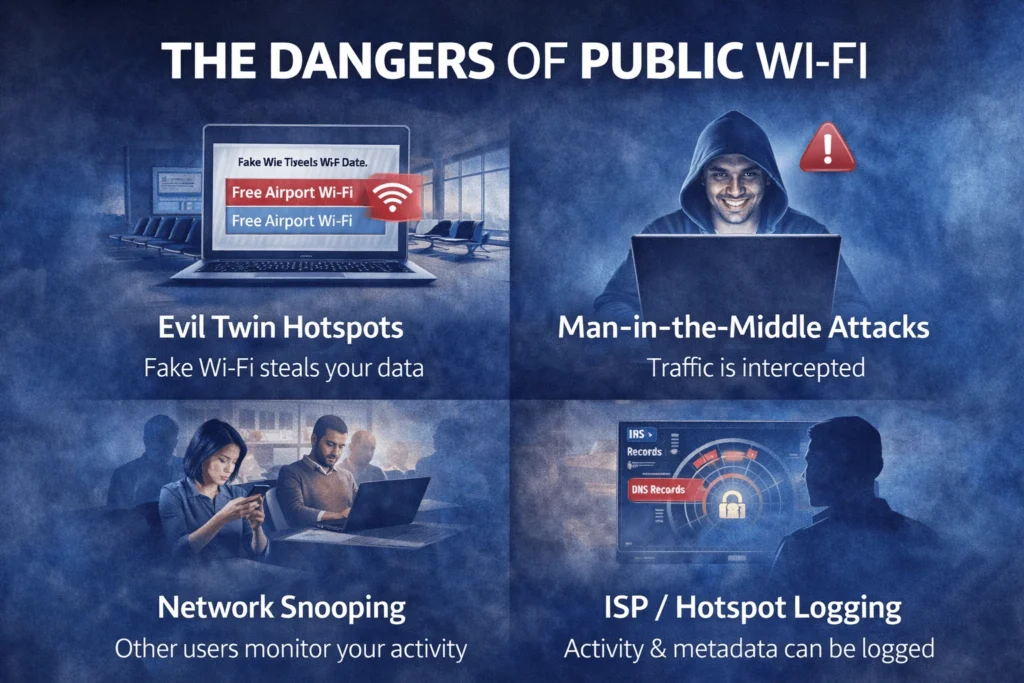
Public Wi-Fi is everywhere — airports, hotels, cafés, shopping centres, co-working spaces, and shared accommodation. It is convenient, fast, and often free. It is also one of the most common ways personal data is exposed.
In 2026, public Wi-Fi risks are no longer limited to obvious scams or warning screens. Most attacks are silent and automated, designed to take advantage of unsecured networks and the assumption that “nothing will happen.”
Whether you are browsing the web, streaming video, checking email, or working remotely, public Wi-Fi introduces risks that do not exist on private home networks. For this reason, using a VPN on public Wi-Fi is now considered basic digital hygiene, not advanced security.
This guide explains:
- Why public Wi-Fi is still dangerous in 2026
- What a VPN actually protects on shared networks
- Which VPN features matter most on public Wi-Fi
- The best VPNs for airports, hotels, and cafés
This page focuses on practical, everyday protection. It does not promote illegal activity or misuse of VPNs. If you are new to VPNs, start with our VPN basics guide.
If you regularly use public Wi-Fi for entertainment or TV devices, you may also want to read our Best VPN for Streaming and Best VPNs for Firestick guides alongside this page.

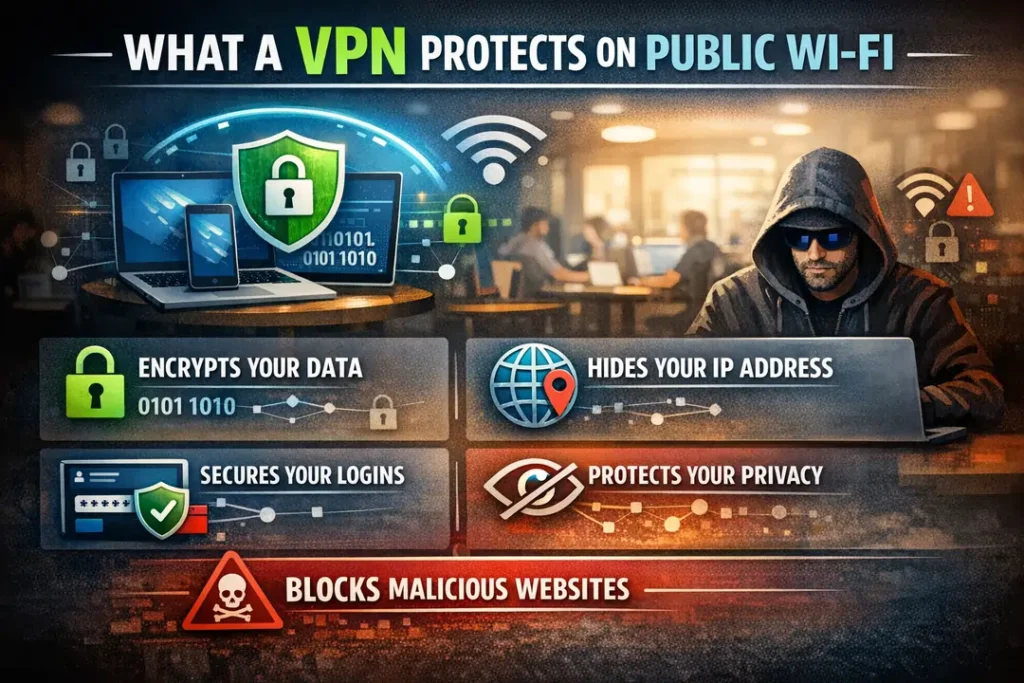
What a VPN Protects You From on Public Wi-Fi
When you connect to public Wi-Fi without a VPN, your internet traffic travels through the local network before it reaches the wider internet. This shared network layer is where most exposure occurs.
A VPN changes this by creating an encrypted tunnel between your device and the VPN server. Crucially, this encryption happens before your data touches the public Wi-Fi network.
In simple terms: the Wi-Fi network can see that you are connected, but it cannot see what you are doing .
Core Protections a VPN Provides
| Without a VPN | With a VPN Enabled |
|---|---|
| Traffic visible to hotspot operator | Traffic encrypted and unreadable |
| Other users may inspect packets | Only encrypted data is visible |
| DNS requests can be logged | DNS routed securely through the VPN |
| Session data exposed on weak networks | Sessions protected inside the tunnel |
| Apps may leak background data | All device traffic is encrypted |
Everyday Activities a VPN Protects
When a VPN is enabled on public Wi-Fi, protection applies to your entire device, not just your web browser.
- Web browsing and search activity
- Email and messaging apps
- Streaming platforms
- Cloud storage and work tools
- Online banking and payments
This is why VPNs are strongly recommended for travellers, students, and remote workers. For travel-specific guidance, see our Best VPN for Travelling guide.
If you regularly move between shared or changing networks, our VPNs for Expats guide covers long-term and multi-location usage in more detail.
Next, we break down how public Wi-Fi attacks actually work — explained simply and without technical jargon.

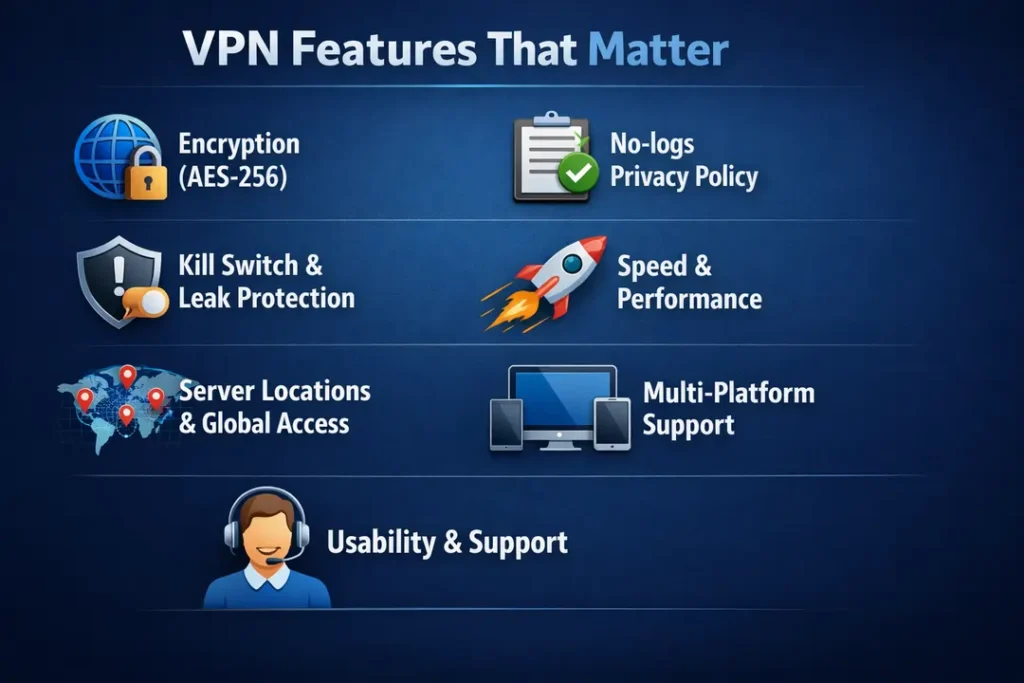
VPN Features That Matter Most on Public Wi-Fi (2026)
Not every VPN feature is important on public Wi-Fi. Some features directly prevent data exposure, while others make little difference in real-world use.
On airports, hotels, cafés, and shared accommodation networks, the features below have the biggest impact on security, stability, and leak prevention.
Essential VPN Features for Public Wi-Fi
| Feature | Why It Matters on Public Wi-Fi |
|---|---|
| Automatic Wi-Fi Protection | Turns the VPN on instantly when you join an untrusted network |
| Kill Switch | Blocks internet traffic if the VPN disconnects unexpectedly |
| DNS Leak Protection | Stops websites and hotspots from seeing which domains you access |
| Fast Reconnection | Keeps protection active when Wi-Fi drops or changes networks |
| Strong Encryption | Prevents logins, apps, and background traffic from being read |
| No-Logs Policy | Ensures your activity is not stored by the VPN provider |
Features That Matter Less on Public Wi-Fi
Some VPN features are heavily marketed but offer little extra protection on public networks.
- Very large server counts
- Extreme or unrealistic speed claims
- Unusual protocol names with no practical benefit
- Advanced P2P tools (unless you torrent regularly)
On public Wi-Fi, connection stability and leak prevention matter far more than headline speed numbers.
If you also use smart TVs or streaming sticks on shared networks, see our Best VPNs for Firestick guide for device-specific considerations.
Next, we explain how we tested VPNs on real public Wi-Fi so you can see exactly how rankings were decided.
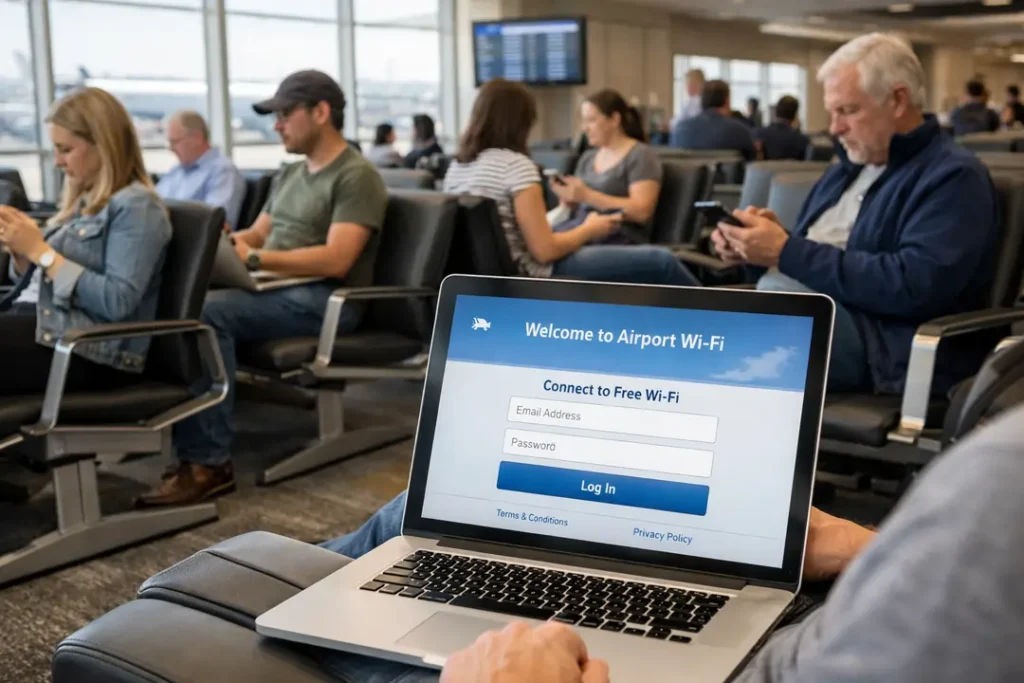
Best VPNs for Public Wi-Fi (2026)
Public Wi-Fi is unpredictable. Connections drop, networks are congested, and security varies from place to place. Some VPNs handle this well. Many do not.
The VPNs below were tested on real public Wi-Fi networks and offer the best balance of security, stability, and ease of use on airports, hotels, cafés, and shared networks.
This table is a quick comparison. Detailed explanations follow in the next section.
| VPN | Best For | Public Wi-Fi Strength | Main Trade-Off |
|---|---|---|---|
| NordVPN | Overall protection | Excellent leak protection, strong kill switch, very stable | No free version |
| ExpressVPN | Airports & hotels | Fast reconnection on unstable and crowded Wi-Fi | Higher price than most |
| Surfshark | Multiple devices | Unlimited devices with automatic Wi-Fi protection | Slightly slower on very crowded networks |
| IPVanish | Large households | Unlimited connections and solid shared-network security | International speeds less consistent |
| PureVPN | Budget users | Basic protection with wide device support | Performance varies at peak times |
If you also stream video or use smart TVs on shared networks, combining a public Wi-Fi VPN with a streaming-focused VPN offers better long-session stability.
Next, we explain what each VPN is best at and who should use it.

Best VPNs for Public Wi-Fi (2026)
Public Wi-Fi is unpredictable by nature. Connections drop without warning, networks become congested, and security varies widely from one location to another. Some VPNs handle these conditions well. Many simply do not.
The VPNs listed below were tested on real public Wi-Fi networks, including airports, hotels, cafés, and shared accommodation. They offer the most reliable balance of security, connection stability, and ease of use in everyday public Wi-Fi scenarios.
The table below provides a quick comparison. More detailed explanations follow in the next section.
| VPN | Best For | Public Wi-Fi Strength | Main Trade-Off |
|---|---|---|---|
| NordVPN | Overall protection | Excellent leak protection, strong kill switch, very stable on busy networks | No free version |
| ExpressVPN | Airports & hotels | Fast reconnection on unstable and heavily congested Wi-Fi | Higher price than most |
| Surfshark | Multiple devices | Unlimited devices with automatic Wi-Fi protection | Slightly slower on extremely crowded networks |
| IPVanish | Large households | Unlimited connections and solid protection on shared networks | International speeds less consistent |
| PureVPN | Budget users | Basic protection with wide device and platform support | Performance can vary during peak usage hours |
If you regularly stream video or use smart TVs on shared networks, pairing a public Wi-Fi VPN with a streaming-focused VPN can improve long-session stability and reduce interruptions.
Next, we break down what each VPN does best and which type of user it is most suitable for.
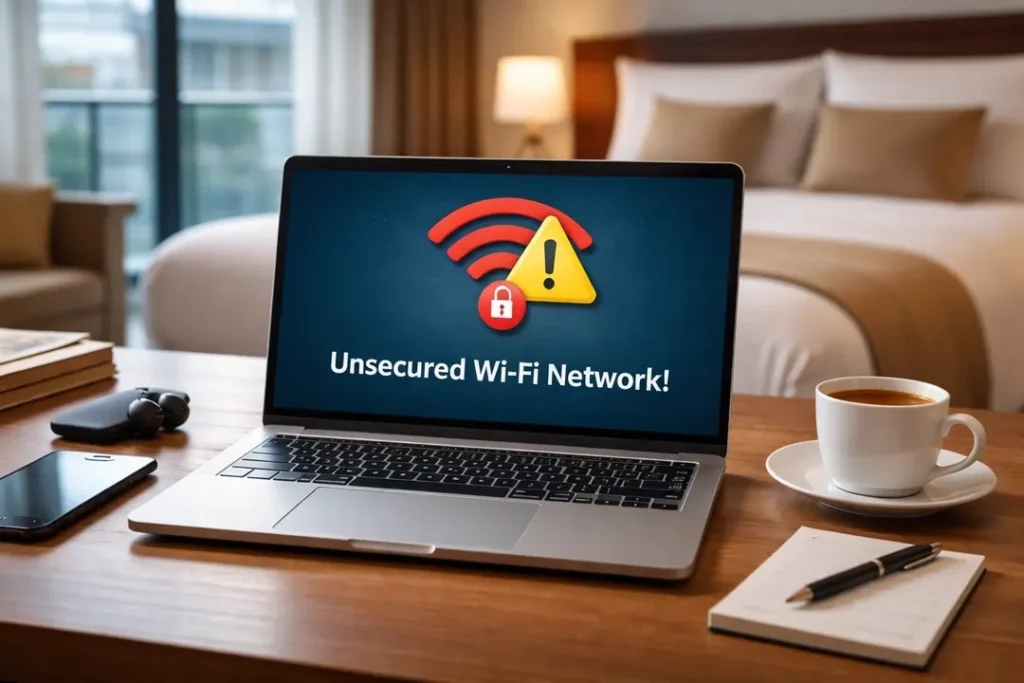
Common Public Wi-Fi VPN Problems (And How to Fix Them)
Even with a VPN enabled, public Wi-Fi can still behave unpredictably. In most cases, this is not a security failure. It is a compatibility issue caused by how public networks are configured.
Airports, hotels, cafés, and shared accommodation often use captive portals, traffic limits, or unstable access points. These can interfere with VPN connections, especially when many users are online at the same time.
Below are the most common problems people experience when using a VPN on public Wi-Fi, along with simple, practical fixes that work in most situations.
| Problem | Why It Happens | What to Do |
|---|---|---|
| VPN won’t connect at all | Captive portal blocks traffic until terms are accepted | Connect without the VPN, accept the Wi-Fi terms, then enable the VPN |
| Internet stops when VPN turns on | DNS conflict or blocked VPN protocol | Switch VPN protocol or enable automatic DNS in settings |
| VPN disconnects repeatedly | Weak or unstable Wi-Fi signal | Enable auto-reconnect or switch to a closer server |
| Very slow speeds | Network congestion or throttling | Change server or connect through a nearby region |
| Streaming apps stop loading | IP address flagged by the streaming platform | Reconnect or switch to a different server |
These issues are most common on airport Wi-Fi, busy hotels, and cafés, and they occur more frequently when moving between networks or switching from mobile data to Wi-Fi.
VPNs designed specifically for travelling and long-term stays handle these transitions more reliably, with faster reconnection and fewer dropped sessions.
In the next section, we compare the best VPNs for public Wi-Fi in 2026 based on real-world stability and reliability — not marketing claims.
Frequently Asked Questions About VPNs & Public Wi-Fi
Is public Wi-Fi safe without a VPN?
No. Public Wi-Fi is shared by design, and you have no control over who runs the network, how it is configured, or who else is connected. Even password-protected public Wi-Fi can be monitored or misconfigured.
Does HTTPS make public Wi-Fi safe?
HTTPS improves website security, but it does not protect everything. DNS requests, apps, background services, and metadata can still be visible on public networks. A VPN encrypts all traffic leaving your device, not just web browsing.
Should I always turn my VPN on when using public Wi-Fi?
Yes. If you use email, messaging apps, cloud services, work tools, or online banking, a VPN should always be enabled on public Wi-Fi. There is little downside, and the security benefit is significant.
Will a VPN slow down public Wi-Fi?
A VPN can slightly reduce raw speed, but on congested public networks it often improves stability. Many users experience fewer dropouts and smoother connections on hotel and airport Wi-Fi with a VPN enabled.
Do VPNs protect apps as well as websites?
Yes. A VPN encrypts all internet traffic from your device, including apps, background services, and system connections — not just your web browser.
Is using a VPN on public Wi-Fi legal?
In most countries, yes. VPN use is legal in the majority of jurisdictions. Users are still responsible for following local laws and the terms of service of the platforms they access.
Final Verdict: Do You Need a VPN on Public Wi-Fi?
Yes. If you use public Wi-Fi, a VPN is no longer optional — it is basic digital hygiene.
Airports, hotels, cafés, campuses, and shared accommodation all prioritise convenience over security. Even when nothing looks wrong, traffic can still be logged, monitored, or exposed.
A VPN solves this problem by encrypting your connection before your data reaches the Wi-Fi network. This single step removes most real-world public Wi-Fi risks without changing how you use the internet.
Who Should Always Use a VPN on Public Wi-Fi?
- Travellers using airport or hotel Wi-Fi
- Remote workers accessing company systems
- Students on campus networks
- Streamers using shared or managed Wi-Fi
- Anyone accessing email, cloud services, or banking
Best VPN Choices for Public Wi-Fi (2026)
- Best overall protection: NordVPN
- Best for unstable networks: ExpressVPN
- Best value for multiple devices: Surfshark
- Best budget option: PureVPN
- Best for large households: IPVanish
If public Wi-Fi is part of your daily life, a reliable VPN is one of the simplest and most effective tools you can use to protect your data.
For related use cases, see our guides on travelling, expats, and streaming on shared networks.