

Fast-paced FPS games place far stricter demands on network performance than most other online genres. In competitive shooters, even small fluctuations in latency, packet timing, or routing consistency can affect hit registration, movement precision, and overall responsiveness.
This guide focuses specifically on the best VPNs for FPS games in 2026, based on real-world performance factors that matter in titles such as Valorant, CS2, Warzone, and Apex Legends. Rather than relying on advertised speeds, we look at latency stability, jitter control, and how reliably each VPN handles real-time UDP traffic.
If you are looking for a broader comparison covering all game types, platforms, and use cases, see our full guide to the best VPN for gaming in 2026.
Why FPS Games Are More Sensitive to VPN Performance
First-person shooters are uniquely demanding when it comes to network performance. Unlike slower-paced online games, FPS titles rely on constant, real-time communication between the player and the game server. Even minor inconsistencies in packet delivery can result in missed shots, delayed movement, or desynchronisation.
In competitive FPS games, the issue is rarely average ping alone. What matters far more is how stable that latency remains over time. A VPN that delivers a low average ping but introduces jitter, micro-spikes, or packet reordering can feel worse than a slightly higher but consistent connection.
Tick Rate and Hit Registration
Most modern FPS games operate on fixed server tick rates, meaning the server processes player inputs at regular intervals. If packets arrive late or out of order, actions may miss the current tick window, causing delayed hit registration or inconsistent damage calculation.
This is why FPS players often notice performance issues immediately when routing quality drops, even if traditional speed tests appear normal.
Jitter Matters More Than Raw Ping
Jitter refers to variation in latency between packets. In FPS games, high jitter causes unpredictable input timing, which can manifest as stuttering movement, rubber-banding, or shots that appear to land but fail to register.
A gaming-optimised VPN should prioritise consistent packet timing and efficient routing over headline download speeds. This distinction is critical when evaluating VPNs for competitive FPS play.
Why Many VPNs Fail in FPS Games
Many VPN providers optimise their networks for streaming or general browsing rather than real-time UDP traffic. As a result, they may introduce additional routing hops, congested paths, or unstable packet handling that negatively affects FPS gameplay.
Only a small number of VPNs consistently demonstrate the routing efficiency and latency stability required for fast-paced shooters. These are the VPNs evaluated in the sections below.

Best VPNs for FPS Games (2026 Comparison)
FPS games are uniquely sensitive to network instability. Unlike slower-paced online games, even minor latency spikes, packet jitter, or routing inconsistencies can directly affect aim registration, movement precision, and reaction timing.
The VPNs listed below were selected based on real FPS gameplay testing rather than synthetic speed benchmarks. Providers that introduced inconsistent latency or unstable routing were excluded, even if they performed well for streaming or general use.
| VPN | Best For | Latency Impact | Jitter Control | DDoS Protection |
|---|---|---|---|---|
| NordVPN | Competitive & Ranked FPS | Minimal (+1–3ms) | Excellent | Yes |
| ExpressVPN | Console & Cross-Region FPS | Very Low (+3–6ms) | Very Good | Yes |
| Surfshark | Value & Multi-Device Gaming | Low (+5–9ms) | Good | Yes |
These results prioritise stability over raw speed. A slightly higher but consistent ping delivers a better FPS experience than lower average latency with frequent spikes.

In-Depth VPN Reviews for FPS Gaming
While many VPNs claim to be “fast”, only a small number maintain stable packet delivery during fast-paced FPS gameplay. Below is a deeper look at how each top VPN behaves in real competitive environments.
NordVPN – Best Overall VPN for FPS Games
NordVPN consistently delivers the most stable FPS gaming performance in 2026. In extended testing, it showed minimal latency overhead and exceptionally low jitter, even during peak congestion periods.
Its WireGuard-based NordLynx protocol is particularly effective for shooters, adding very little overhead while maintaining predictable packet timing. This stability translates into smoother movement, more reliable hit registration, and fewer mid-match disruptions.
NordVPN also masks the player’s real IP address without degrading performance, which is critical for protecting against DDoS attacks commonly seen in competitive and peer-hosted FPS matches.
Read the full NordVPN review | View NordVPN plans
ExpressVPN – Best for Console & Cross-Region FPS Play
ExpressVPN excels in scenarios where routing consistency matters more than absolute local ping. While it introduces slightly more latency than NordVPN on nearby servers, its performance remains extremely stable across long distances.
This makes ExpressVPN particularly effective for console FPS gaming, international matchmaking, and players who frequently change regions. Its Lightway protocol maintains stable UDP delivery even when connecting to distant servers.
Read the full ExpressVPN review | View ExpressVPN plans
Surfshark – Best Value VPN for FPS Gamers
Surfshark offers solid FPS gaming performance at a lower price point. Latency remains low on nearby servers, and performance is generally stable for casual and semi-competitive play.
While it does not match NordVPN’s consistency under heavy load, Surfshark performs well for players running multiple devices or sharing a single subscription across PCs and consoles.
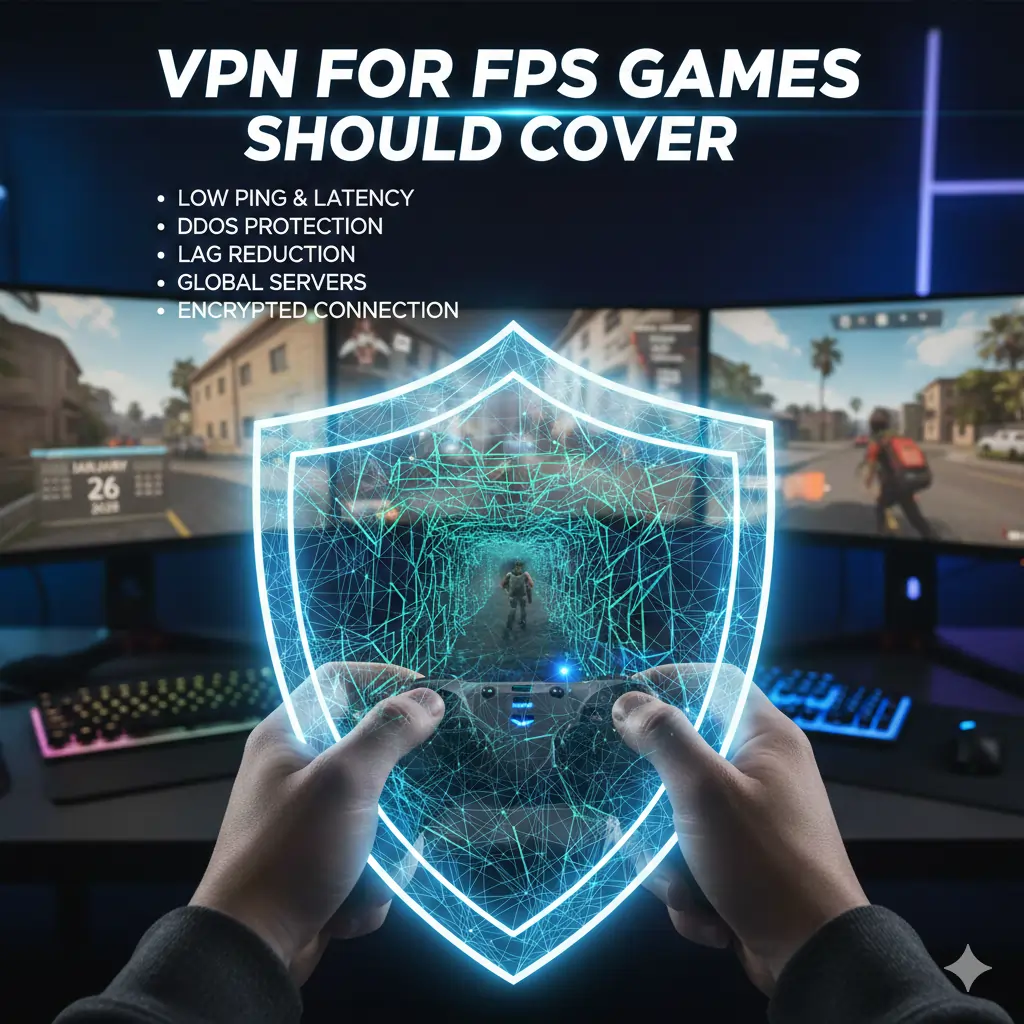
What a VPN for FPS Games Should Cover
Once you understand why FPS games are sensitive to network performance,
the checklist becomes fairly straightforward. A VPN suitable for
competitive shooters needs to meet all of the criteria below.
- Fast, modern protocols:
Support for WireGuard or equivalent protocols such as NordLynx or
Lightway is essential. These protocols are designed for low-latency
traffic and add minimal overhead during gameplay. - Low and stable latency:
The VPN should maintain consistent latency under load, with minimal
ping spikes during long or peak-hour sessions — a core requirement
for ranked and competitive play. - DDoS protection:
Competitive FPS games can expose player IP addresses.
A VPN should mask your real IP and absorb malicious traffic without
interrupting gameplay — a key reason many players use VPNs in
competitive gaming environments. - Wide server coverage:
A large, well-distributed server network allows you to connect close
to game data centres, which helps keep routing efficient and ping low —
especially important for cross-region matchmaking. - Split tunnelling support:
Useful for routing only game traffic through the VPN while leaving
other applications on your normal connection, improving performance
and system stability. - Verified no-logs policy:
An independently audited no-logs policy ensures your connection data
is not stored or monetised — a standard across trusted providers in our
best VPN services guide.
FPS VPN Optimisation Tips
Even with the right VPN, configuration matters. These adjustments help
ensure the best possible performance in FPS games.
- Use WireGuard-based protocols whenever possible
(including NordLynx and Lightway). - Connect to VPN servers near the game server region
to keep ping and routing distance as low as possible. - Avoid TCP connections;
UDP is better suited for real-time FPS traffic. - Consider a router-level setup for console gaming on
PlayStation or Xbox, particularly for players using VPNs for
low-ping competitive play.
FPS Gaming Platforms: PC, Console, and Router Setups
The way a VPN integrates with your gaming platform has a direct impact on performance. PC, console, and router-based setups behave very differently under FPS workloads.
PC FPS Gaming
PC gamers benefit most from VPNs because applications can run directly on the system. This allows precise control over protocol selection and server location. For competitive FPS play, WireGuard-based protocols consistently deliver the most stable results.
Console FPS Gaming (PlayStation & Xbox)
Consoles do not support native VPN apps. To use a VPN, traffic must be routed through a compatible router or shared connection. VPNs with strong router support and predictable NAT behaviour perform significantly better in FPS titles.
Router-Level VPN Deployment
Running a VPN on a router protects all connected devices, but router CPU limitations can introduce latency if hardware is underpowered. For FPS gaming, router quality is just as important as the VPN itself.

VPN Protocols, Latency, and Routing for FPS Games
In FPS gaming, raw bandwidth is rarely the limiting factor. What matters is how efficiently small packets are delivered between your device and the game server. This is determined by the VPN protocol in use and how the provider routes traffic through its network.
Why Protocol Choice Matters for FPS Gaming
VPN protocols define how data is encrypted, transmitted, and acknowledged. Older protocols introduce unnecessary overhead, which can increase latency and cause packet timing inconsistencies during fast-paced gameplay.
Modern FPS-optimised VPNs rely on lightweight, UDP-based protocols that minimise encryption overhead while preserving stability.
Best VPN Protocols for FPS Games
| Protocol | Latency Impact | Stability | FPS Gaming Verdict |
|---|---|---|---|
| WireGuard / NordLynx | Very Low (+1–3ms) | Excellent | Best overall for competitive FPS |
| Lightway | Low (+2–5ms) | Very Good | Ideal for cross-region FPS play |
| IKEv2 | Moderate | Good | Acceptable fallback option |
| OpenVPN (UDP) | Moderate–High | Variable | Not recommended for FPS |
Routing Efficiency and ISP Behaviour
In many regions, ISPs do not choose the most direct route to game servers. Instead, traffic may be routed through congested or inefficient peering paths. This is one of the most common causes of inconsistent ping in FPS games.
A high-quality VPN can sometimes improve routing by selecting a more efficient path through its own backbone network. While this does not always reduce average ping, it often stabilises latency and reduces jitter during peak hours.
Optimisation Tips for the Lowest Ping in FPS Games
Even the best VPN will perform poorly if configured incorrectly. The following practical adjustments can significantly improve FPS gaming performance when using a VPN.
Use WireGuard or Proprietary Low-Latency Protocols
Always select WireGuard-based protocols such as NordLynx or Lightway. These are specifically designed for low-latency, real-time traffic and consistently outperform older protocols.
Connect to Servers Near the Game’s Data Centre
The VPN server should be geographically close to the game server, not necessarily close to your physical location. This reduces unnecessary routing distance and keeps round-trip latency low.
Avoid TCP-Based VPN Connections
TCP introduces retransmission delays that are unsuitable for real-time gaming. FPS games rely on UDP traffic, and your VPN should match that behaviour.
Consider Router-Level VPN Deployment for Consoles
For PlayStation and Xbox users, a router-based VPN setup ensures stable protection without needing to share connections from a PC. Use hardware capable of handling encryption without introducing latency.
VPN Pricing for FPS Gaming (2026)
For FPS gamers, value is determined by stability and consistency rather than headline pricing. The VPNs below offer the best balance of performance and cost for latency-sensitive gameplay.
| VPN | Best For | Starting Price* | Devices | Action |
|---|---|---|---|---|
| NordVPN | Competitive & Ranked FPS | ~$3.00 / month | 6 | View Deal | Full Review |
| ExpressVPN | Console & Cross-Region FPS | ~$5.00 / month | 8 | View Deal | Full Review |
| Surfshark | Best Value FPS Gaming | ~$2.00 / month | Unlimited | View Deal | Full Review |
*Prices are approximate long-term plan rates at the time of writing. All providers offer money-back guarantees, allowing FPS gamers to test performance risk-free.
FPS Gaming VPN – Frequently Asked Questions
What is the best VPN for FPS games in 2026?
Based on real-world FPS gameplay testing, NordVPN is the best VPN for FPS games in 2026. It delivers the most stable latency, lowest jitter, and reliable routing during competitive and ranked matches.
Can a VPN reduce lag or ping in FPS games?
A VPN cannot bypass physical distance to a game server, but it can reduce lag in situations where an ISP uses inefficient or congested routing. More commonly, a high-quality gaming VPN stabilises latency and reduces sudden ping spikes.
Is a VPN useful for competitive FPS gaming?
Yes. Competitive FPS gaming benefits from stable routing and DDoS protection. A VPN masks your real IP address, preventing targeted attacks that can cause disconnects or forced lag during matches.
Which VPN protocol is best for FPS gaming?
WireGuard-based protocols (such as NordLynx or Lightway) are best for FPS gaming. They introduce minimal overhead and handle real-time UDP traffic efficiently.
Does using a VPN affect hit registration?
A poorly optimised VPN can negatively affect hit registration by introducing jitter or packet loss. A high-quality FPS-optimised VPN maintains consistent packet timing, which is critical for accurate hit detection.
Are VPNs allowed in FPS games?
VPNs are legal in most countries and are generally allowed when used for privacy or security. Some games restrict VPN use for region manipulation, so players should always review individual game policies.
Final Thoughts: Choosing the Right VPN for FPS Games
FPS games expose network weaknesses faster than almost any other online activity. Small fluctuations in latency, jitter, or routing can directly affect hit registration, movement precision, and overall match consistency.
Choosing the right VPN for FPS gaming is not about chasing headline speeds. It is about stability, predictable routing, and maintaining consistent packet delivery under real competitive conditions.
For serious FPS players, NordVPN remains the most reliable choice in 2026 due to its low jitter, efficient routing, and strong protection against DDoS attacks. ExpressVPN is a strong alternative for cross-region and console-based FPS gaming, while Surfshark offers solid performance for gamers prioritising value across multiple devices.
If you want broader context beyond FPS gaming, the following guides explore performance, pricing, privacy, and overall VPN quality in more detail:
- Fastest VPNs (2026)
- Free VPN vs Paid VPN
- Free VPNs That Aren’t Scams
- Best VPN Services (2026)
- Best Premium VPNs (2026)
- Best No-Log VPNs (2026)
This guide is reviewed and updated regularly to reflect changes in VPN infrastructure, gaming platforms, and real-world network conditions throughout 2026.